
Customer Overview
A mid-sized discrete manufacturer producing metal assemblies and machined components relied on manual, paper-based production reporting. This delayed operational visibility, slowed decision-making, and made it difficult to monitor production performance in real time.
Business Challenge
The production team faced several operational challenges that impacted efficiency and reporting accuracy:
- No Real-Time Production Visibility
Production data was captured using paper travelers and clipboards, preventing live monitoring of shop floor activities. - Time-Consuming Manual Reporting
Supervisors spent 30–45 minutes every shift collecting and compiling production data manually. - Limited Quality Tracking
Scrap and defect information was recorded after production, making root-cause analysis difficult and delaying corrective actions. - Inefficient Shift Handover
Shift transitions depended on verbal communication, resulting in inconsistent information sharing and no digital audit trail. - Delayed Business Insights
Management received production reports 24–48 hours later, reducing the ability to respond quickly to production issues.
CodeValue Solution
CodeValue designed and implemented a Microsoft Power Apps Canvas application optimized for touchscreen tablets installed across the production floor.
Key Features
Real-Time Production Tracking
- Live dashboards displaying active work orders
- Production quantities updated instantly
- OEE visibility for every production line
One-Tap Production Logging
- Operators record:
- Good production
- Scrap quantities
- Defect reason codes
- Large touch-friendly interface enables logging in less than 10 seconds.
Automated Performance Alerts
Using Microsoft Power Automate, supervisors receive instant notifications whenever production falls more than 10% below target, enabling immediate intervention.
Digital Shift Handover
At the end of every shift, the application automatically generates a comprehensive shift handover report and posts it directly to Microsoft Teams, ensuring seamless communication between shifts.
Connected Data Platform
Production data is securely stored in Microsoft Dataverse and visualized through Power BI dashboards, giving management real-time operational insights across the plant.
Business Impact
| KPI | Result |
|---|---|
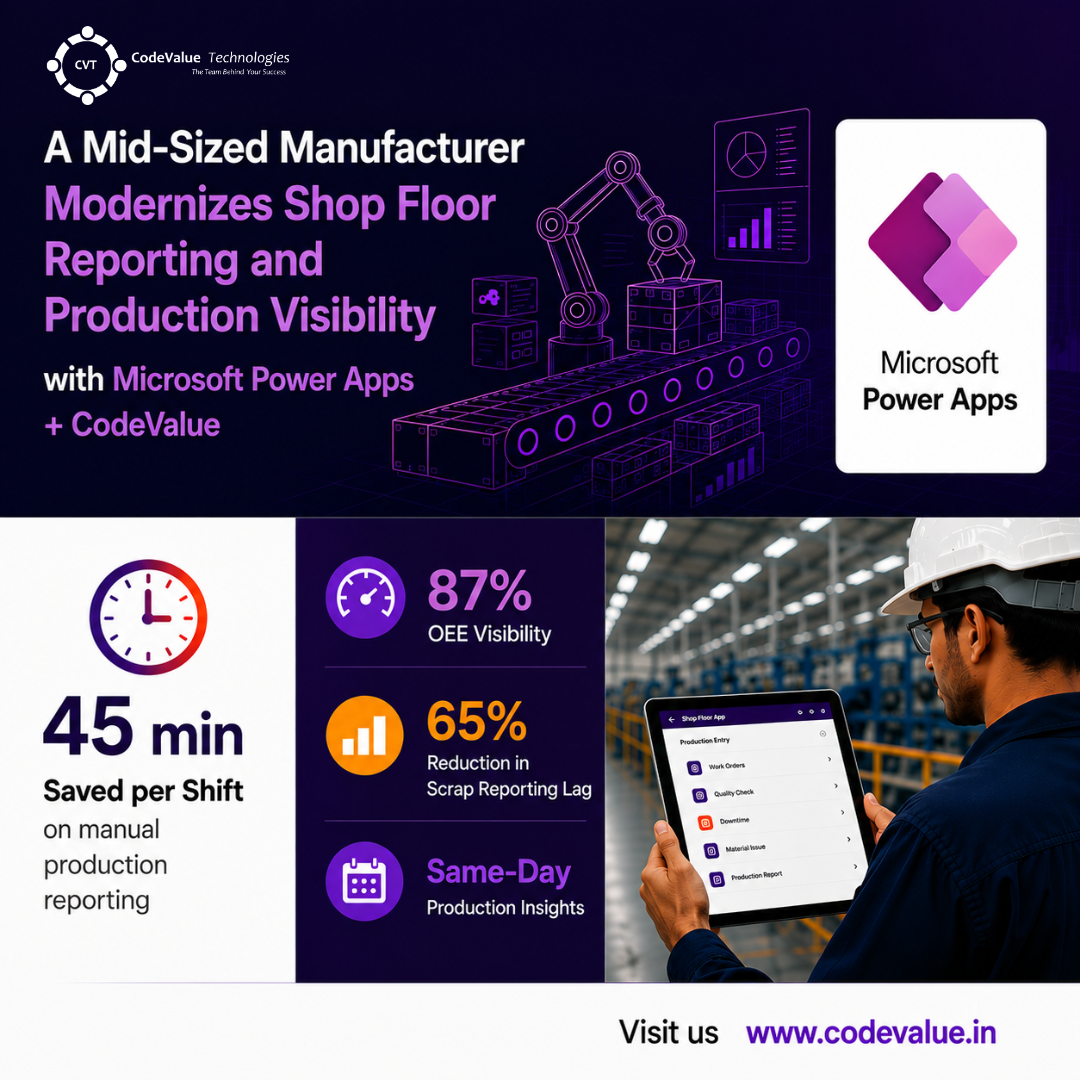
| OEE Visibility | 87% production visibility (previously unmeasured) |
| Manual Reporting Time | 45 minutes saved per shift |
| Scrap Reporting | 65% reduction in reporting lag |
| Management Reporting | Same-day production insights instead of a 24–48 hour delay |
Why Microsoft Power Apps?
The solution demonstrates how Microsoft Power Apps can rapidly modernize shop floor operations without traditional software development.
Benefits include:
- Runs on tablets, phones, kiosks, and desktop devices
- No local software installation required
- Offline capability ensures uninterrupted production logging
- Automatic synchronization once connectivity is restored
- Rapid implementation completed in just 4 weeks
- Built using a low-code approach, reducing development time and maintenance costs
Technology Stack
- Microsoft Power Apps (Canvas App)
- Microsoft Power Automate
- Microsoft Dataverse
- Microsoft Power BI
- Microsoft Teams
Conclusion
By replacing paper-based production reporting with a Power Apps solution, CodeValue enabled the manufacturer to gain real-time visibility into shop floor operations, streamline production reporting, improve quality tracking, and accelerate decision-making. The result was a connected, data-driven manufacturing environment that increased operational efficiency while reducing manual effort and reporting delays.